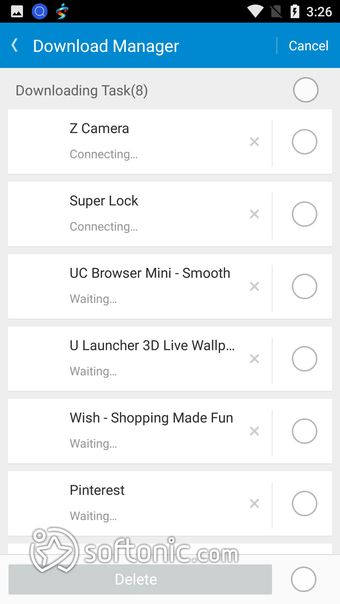

File and app download manager
Mobogenie is a free tool for finding Android applications to download. It also allows you to organize all your downloads into an easily accessible format. The software gives you access to a store that has all the apps provided by the Google Play store and third party options. This enables you to get all the applications you want in one place for free.
Top Recommended Alternative

Easy access files and apps
This utility tool handles everything you would need on a mobile phone. It can be tricky with many Android phones like the One+ to access your files. It is also needlessly difficult to transfer files from your computer to your phone without some sort of special software.
Mobogenie steps in to offer assistance in this area. It allows you to find all your applications and stores them in one place. It also attempts to rival the main download store that most people use for Android: Google Play.
It stacks up well against the Play store with its intuitive design and smooth features. It also offers much more value in the single application than Google does with their store. By using APK download sources, it offers a wide array of options.
It comes available in over twenty languages, including Chinese, Hindi, Portuguese, Russian, and many more. Overall, it covers a vast market of software. Also, everything is free in their store even if you would normally have to pay for it.
What is Mobogenie app?
The application is made for those who want a new file manager for their phone or are unsatisfied with Google Play. It allows you to reorganize your files more intuitively and get more out of your phone in less time.
It focuses on getting you all the apps you want to download even if they aren’t from the main stores. All these are carefully curated so that you won’t be downloading harmful files onto your phone. MG allows you to communicate with your computer and easily transfer files from one device to another.
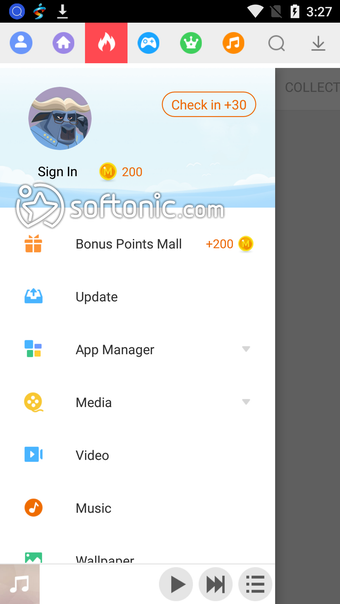
The content available goes beyond apps. The market has ringtones and wallpapers. It also extends into the fields of e-books, videos, music, and YouTube content. Overall, it is a very versatile tool in improving your mobile device’s utility.
Is Mobogenie safe for android?
Now here the program begins to run into some trouble. When installing it, an antivirus may pick it up as a trojan. Fortunately, it is not a virus, so you don’t have to worry about it harming your device. The company ensures that all the apps you download through them have no harmful elements contained in their coding.
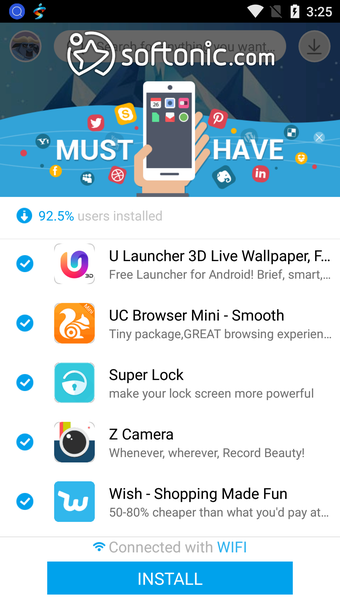
However, when you download Mobogenie, it attempts to install more programs alongside it. This is something to watch out for as well, as it has a problem with intrusive ads. It will open them up in your browser without your permission.
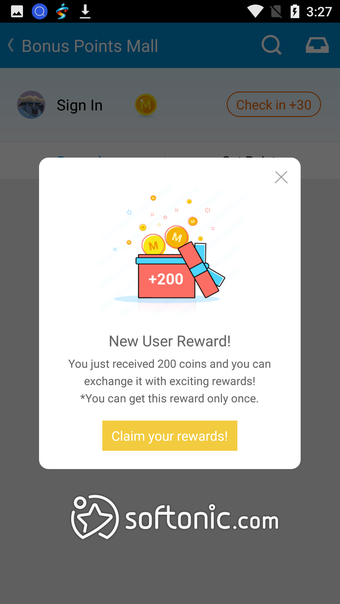
Within the application itself, it has a significant amount of advertisements. These ads are sometimes graphic, which is something to consider before installing this software on your phone. Other than these issues, MG is safe to use on your system.
What features does Mobogenie provide?
The program has an excellent user interface enabling easier browsing. When compared to Google Play’s design, Mobogenie has a less cluttered space. Relating to the ease of use, it can organize all your incoming messages and contacts into one place.
The software comes with a debugger for your phone. To further increase your phone’s speed, you can use the memory booster to clean up the memory of your mobile device. For easier navigation, you can add commands to easily reach specific areas in your device.
MG provides control over what is using your battery. Here, you can save the life of your device, all while optimizing your phone for maximum speed.
Furthermore, it comes with a cloud, where you can back up your files and applications to. If you use it on PC, Mobo enables you to transfer data across devices without using a physical connection. It also works on iOS, which means you will be able to communicate via different platforms.
The store on Mobogenie personalizes all the recommendations to your tastes. This mechanism is comparable to Google Play’s features. It comes with Android news updates and Editor’s pick games to buff up your collection.
Alternatives to Mobogenie
The Google Play Store is the main competition for Mobo. However, if you are looking into personalizing your phone and finding files easily, Google does not offer any of these features. For downloading applications, the Store has fewer options for download then MG has.
Another alternative is Aptoide. It offers an open-source version while also having strong community support. They have a different focus, where they will allow third parties to begin to sell apps on their store. It is ideal for new developers who want to get onto the market.
Aptoide falls short when it comes to utilities like file management and navigation. It also does not have the ability to back up your content as Mobo does. They are quite different app stores. Aptoide has better features for developers, while Mobogenie focuses on utility for the user.
Great utility
To wrap up, Mobogenie has a lot of utility if you want to improve the way you use your phone. Although it does have some downsides with its intrusive ads, the benefits are worth the issues it brings. Everything is safe and secure. The application makes using your phone a lot easier.
The newest versions have added the ability to use the cloud to save your information while also developing their store into a more robust function.